The process of building a website
Unless you’re a web developer, the idea of getting a new website built may seem daunting, and maybe even a little nerve-wracking. Not only are there quite a few steps involved, but the technical side alone can be enough to put some people off.
In this guide, we’ll break down the process from start to finish.
Contents:
Get clear on your website goals
First things first… Why do you want a (new) website?
- Are you primarily hoping to establish credibility and build trust?
- Do you want somewhere to send people you meet, where they can find the information they would otherwise have to ask you for directly?
- Do you already have a website, but don’t want to send anyone there because it’s dated or you’re unhappy with it?
- Are you hoping to generate plenty of new enquiries or sales?
- Do people ask you for a website link, but you don’t have one?
Getting clear on why you need a website is an essential step in understanding what you’re looking for, and will help determine the pages, content and features you need.
Which leads us nicely onto… How does the website fit into your current (and upcoming) strategy?
- Will you be running paid ads? If so, you need a fast-loading website that gets to the point
- Will you expect people to find you via search? If so, consider an SEO strategy
- Will visitors primarily arrive from your socials? Your website and social media presence should feel consistent
- Will most of your traffic come from word of mouth? If so, you’ll want to show your personality
While your website should always be user-friendly and communicate clearly, different visitors will have different expectations.
Take, for example, word of mouth versus paid ads. Someone who’s had your business recommended by a friend is likely doing research in their own time, whereas someone who clicks an ad while scrolling through reels may need something that catches their attention immediately to stop them going straight back to scrolling.
How and who will build it?
You might feel motivated to tackle the website yourself, or you might be determined to hand it over to someone else as soon as possible.
The options available largely depend on your preferences, time and budget – and honestly, there’s no single right answer.
Choosing your platform
There are plenty of website builders available, including WordPress, Wix, Squarespace and Framer. If you already know your way around a particular builder, you might want to stick with it. People are also increasingly turning to AI tools, such as Claude.
One benefit of using an established website builder for a DIY project is that you usually don’t need to know any code at all. While AI can write code for you, having at least a basic understanding of how it works can be useful, particularly if something goes wrong.
Every Healthy Pixels website is built on WordPress, which, as of November 2026, powers around 40% of all websites on the internet. With such a large community of developers and users, there’s plenty of support available, which can be quite handy.
A note on AI builds:
If you choose to build a website using AI-generated code without a content management system (CMS), you may need to rely on AI or make changes directly in the code whenever you want to update something.
What could be a simple text change in a user-friendly editor might instead require another prompt, and depending on the tool you’re using, this could involve usage limits or additional costs.
Some AI website builders do include visual editors or CMS functionality, though, so it’s worth checking how you’ll manage the website once it’s live.
Choosing who builds it
If you’re prepared to take it on yourself, make sure you set aside proper time. A website isn’t, and shouldn’t be, built in an hour. Choose a builder you’re either familiar with, one that has plenty of video tutorials available, or at least one with good customer support.
If you’re ready to hand it over, however, make sure you work with someone you feel comfortable with.
Don’t rush into a decision because you feel pressured, and if a quote is way above your budget, you can always look elsewhere. That doesn’t necessarily mean going with the cheapest option on the market, though. A £300 website might sound tempting, but as the saying goes, you get what you pay for.
Check out some of their previous work, find out whether you’ll have ownership of and access to the full website, and understand how ongoing updates and support will be handled. I’d also absolutely recommend having a call to get a feel for the people behind the screen.
If you’d like to speak with Healthy Pixels, feel free to reach out!
Get in Touch
Want Google traffic? Be prepared to talk SEO
If one of your goals is to generate traffic from search engines such as Google, an SEO strategy is worth considering before writing content or deciding which pages to include.
SEO stands for Search Engine Optimisation. It involves improving your website’s content, structure and technical setup to help search engines understand your pages and show them for relevant searches.
Say, for example, you’re a nursery owner in Whitefield. How great would it be to appear among the first results when someone searches for “nursery in Whitefield“?
That’s what an SEO strategy can help you work towards.
A good strategy will help you identify which keywords and topics to target, which pages to create and how to structure your content.
It’s also worth considering how people increasingly use AI-powered search tools to look up information and recommendations. While there’s no guarantee you will appear in their answers, having clear, helpful and well-structured content gives search engines and other tools a better understanding of what you offer.
Define your sitemap
Before writing content and building the website, you need to know which pages you’ll need. If you’re investing in an SEO strategy, this should ideally form part of that process.
A sitemap is an overview of the pages on your website and how they’re organised. It may also include your planned URL structure.
Having a clear overview of your pages will be particularly useful when planning your content and deciding how visitors should navigate the site.
Write your content
Whether you choose to outsource this or write your own content, you’ll want to have most of it ready before moving into the design and build. If you’re building your own website, it can be tempting to start with the design itself. But it’s usually much easier to design something when you know what you’re designing.
If you have an SEO strategy, this will largely influence the content stage. Either way, remember that we tend to skim website content, so make good use of headings, bullet points, visuals and shorter paragraphs.
Check out our guide for more inspiration on how to write strong website content.
Gathering assets
Alongside your written content, you’ll also want to gather any other materials needed for the website, such as photographs, testimonials, team information, logos and other visuals. Getting these ready early can help avoid delays once the design and build are underway.


Branding, design and build
If you don’t yet have your branding in place, it’s worth getting this sorted before designing your website. At the very least, you’ll want a logo, a defined colour palette and fonts.
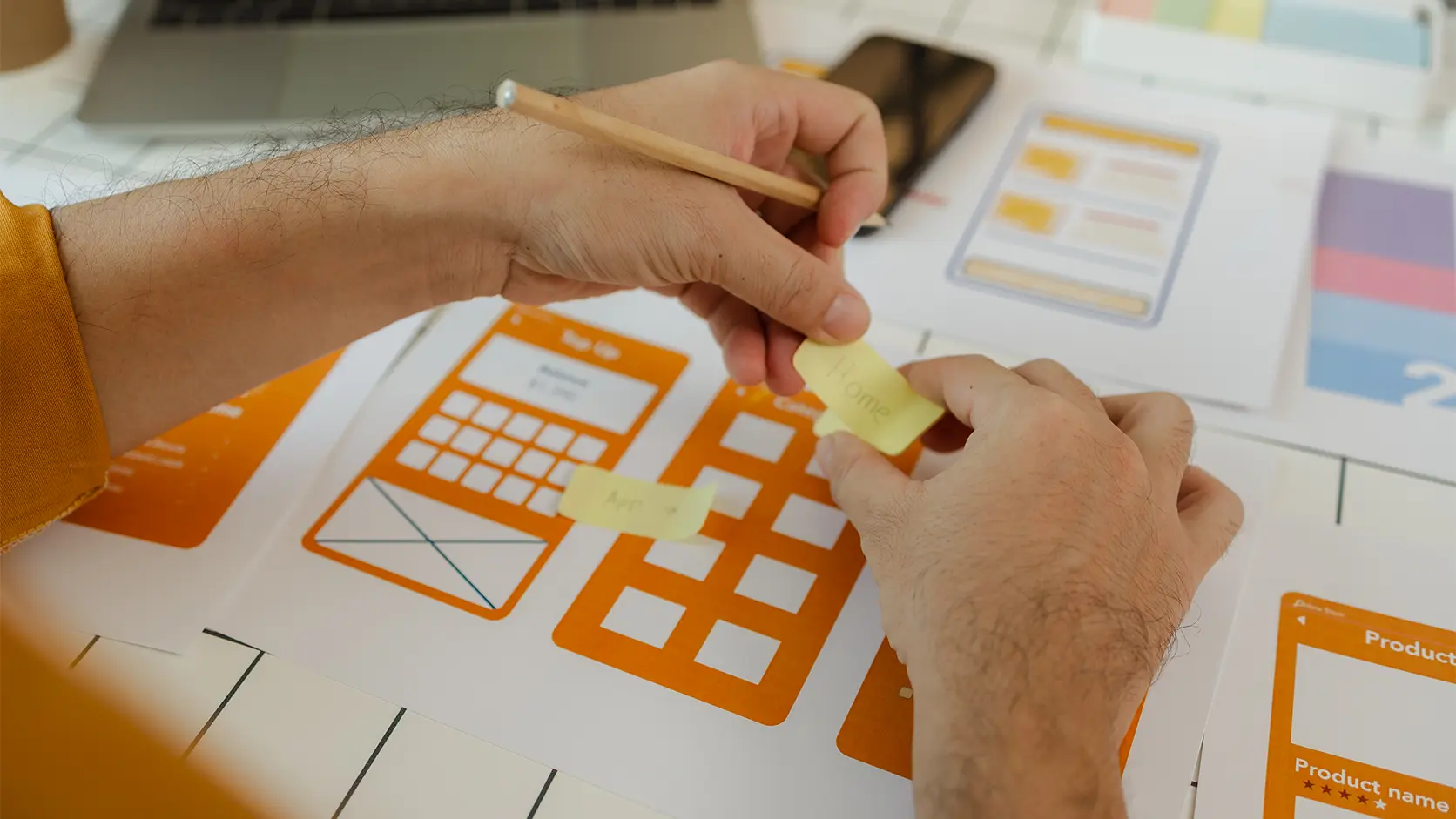
The design and build phase will largely depend on who’s building the website. At Healthy Pixels, the process normally looks like this once the content and brand elements are ready:
- Static homepage design to establish the overall visual direction, with client feedback over a couple of rounds of revisions
- Full website build, including all pages and responsive layouts for different devices, followed by further revisions
- Testing across devices and browsers, including accessibility checks such as colour contrast, keyboard navigation and readability, to help ensure the website works consistently and is as user-friendly as possible
- Final clean-up and completion of the back end, removing unnecessary code and files, and setting up reusable templates where needed
Redirect mapping (existing website)
If you already have a website and are changing its URL structure or removing pages, it’s important to plan what should happen to the existing links. This involves reviewing your current URLs and deciding which new pages they should point to.
Where a page has moved or been replaced, a 301 redirect can send visitors and search engines to the new location. This helps prevent broken links and preserve the value of existing links pointing to your website.
Not every deleted page needs a redirect, though. If there’s no relevant replacement, it’s usually better to let the page return an appropriate error status rather than sending visitors somewhere unrelated.
Hosting and domain
Your website files need to live somewhere, and people need an address they can use to find your site. That’s where hosting and domains come in.
You can arrange these at any point before launch, but both are needed for your website to go live. Keep in mind that your domain name and extension need to form a unique combination, so if you’ve got your eye on a particular name, it’s worth securing it sooner rather than later.
For more information, visit the Healthy Pixels “Web hosting explained” guide.


Launch
Once the website has been thoroughly tested and you’re happy with everything, it’s time to go live! Launch on a day when you know you’ll be available, just in case something doesn’t go according to plan or needs a little more attention than anticipated.
Post-launch actions
Launching shouldn’t be as simple as clicking a “Publish” button. If you’ve hired someone, they’ll hopefully take care of most of this for you, but here are a few things worth confirming:
- Index the site and set up Search Console so Google/search engines can find it
- Set up tracking if you want to understand your traffic (Google Analytics is free, while tools such as LuckyOrange provide additional data)
- Confirm forms work by submitting test enquiries and checking that the information reaches the correct email address or system
- Check your redirects if you’ve replaced an existing website, making sure old links still take visitors somewhere relevant
- Share the launch with your network; don’t just launch in silence and hope people will find it on their own!
Ongoing
Your ongoing maintenance will depend on the type of website you’ve launched and what you want it to achieve. A few things to consider include:
A website shouldn’t necessarily stay exactly as it was on launch day. As your business or organisation changes, your website should be able to change with it.
Related hub articles

Writing strong website content
Content is often the hardest part of a website. This guide explains how to approach and write strong website content, why it matters and how to simplify it.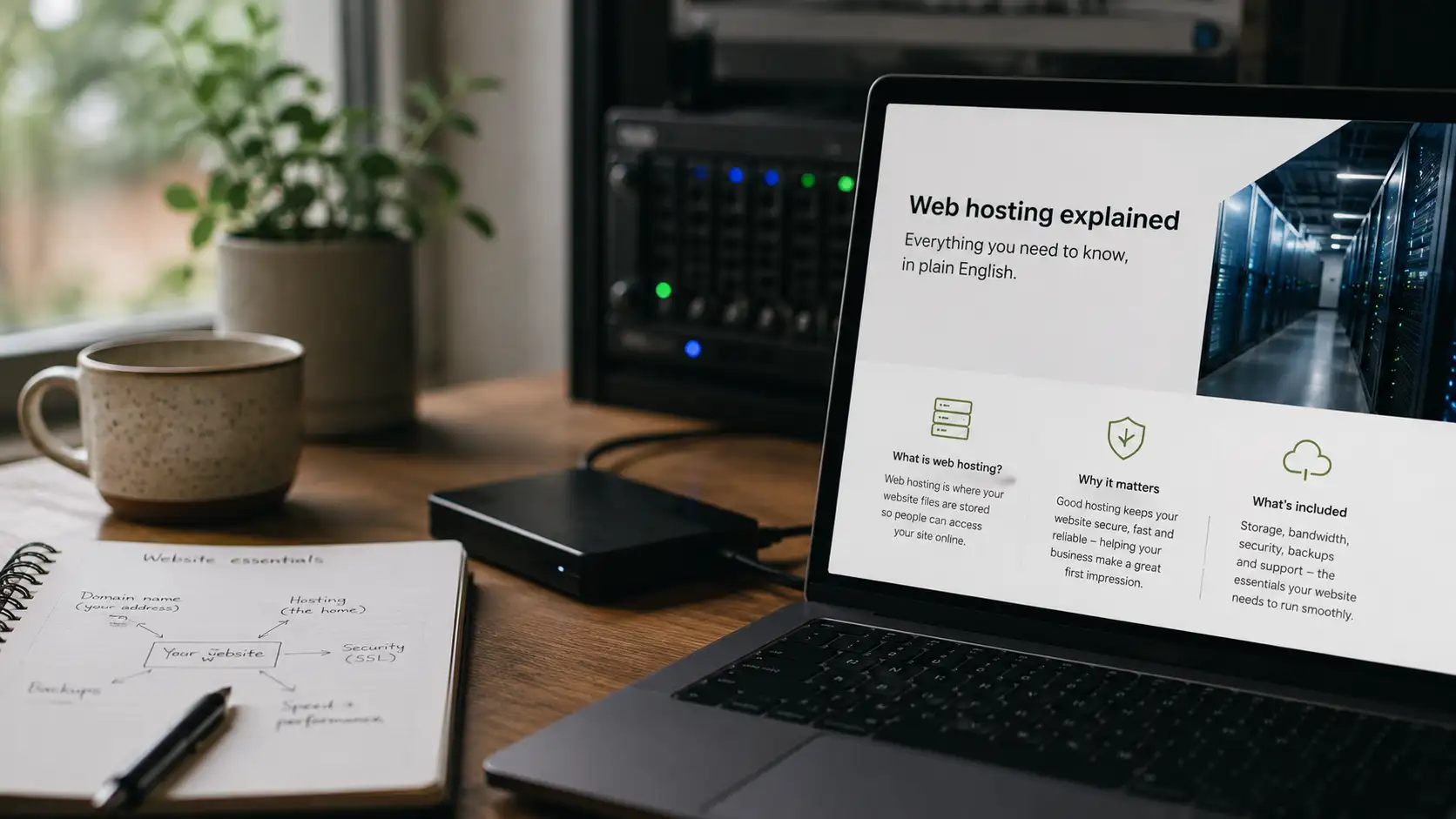
Web hosting explained
Every website needs web hosting. Find out what it is, why it matters, and what businesses should realistically pay attention to when managing a website.